 Qira DOCX
Open and edit Word documents for free
Qira DOCX is a fast DOCX editor and reader for Windows with a familiar ribbon. Prefer the browser? Edit .docx files online — nothing is uploaded.
- Opens .docx, .doc, .rtf and .txt
- Works offline
- Your files stay on your device
- 13 languages
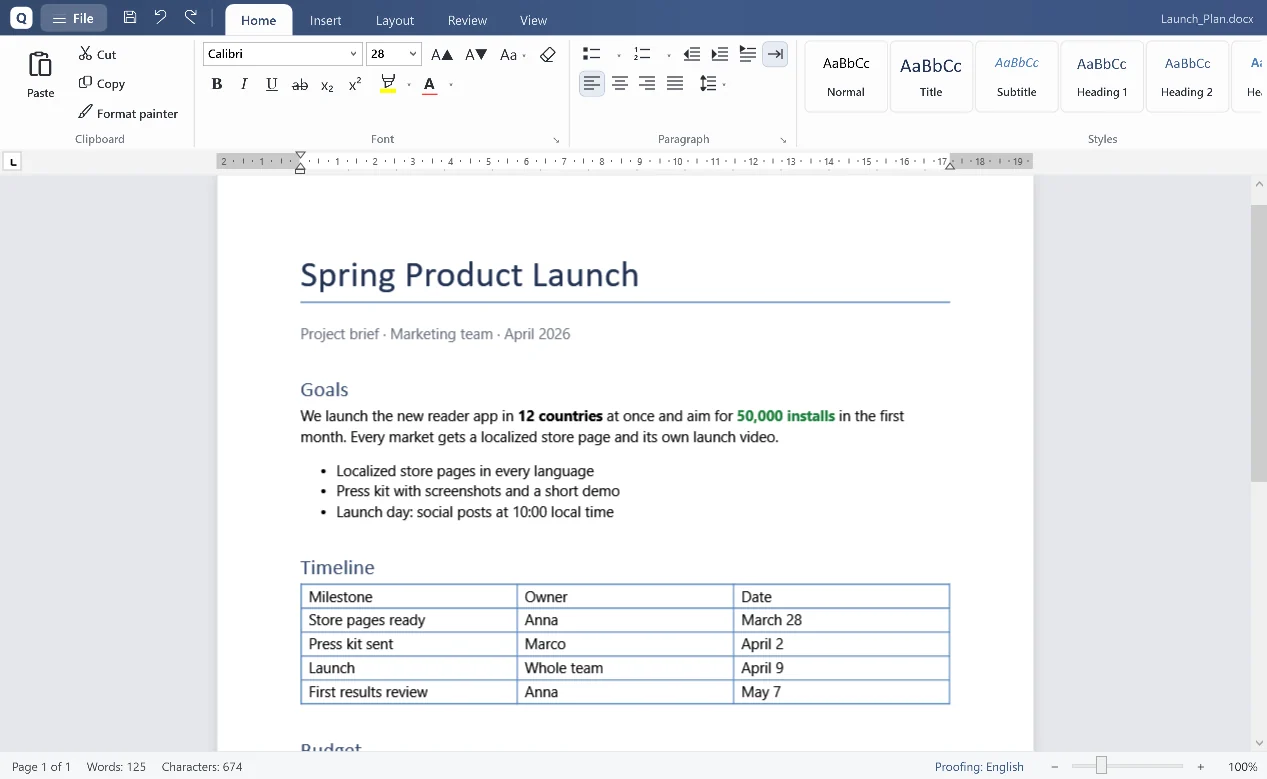
Everything you need to work with DOCX files
A familiar layout, so you can start working in seconds.
Word-compatible DOCX
Open and save .docx files with styles, tables, pictures, lists, headers, footers and footnotes. Your formatting is kept when you save.
Old .doc files too
Opens Word 97–2003 .doc files without Microsoft Word and saves them as modern .docx.
Export to PDF
Turn any document into a sharp, searchable PDF in one click. Print with a real page preview.
Review and comments
Track changes, accept or reject edits and leave comments — perfect for contracts and reports.
Rulers, tabs and page layout
First-line indents, tab stops, margins, page size and orientation, section breaks and a table of contents.
Private by design
No account, no cloud, no tracking inside the app. Your documents never leave your computer.
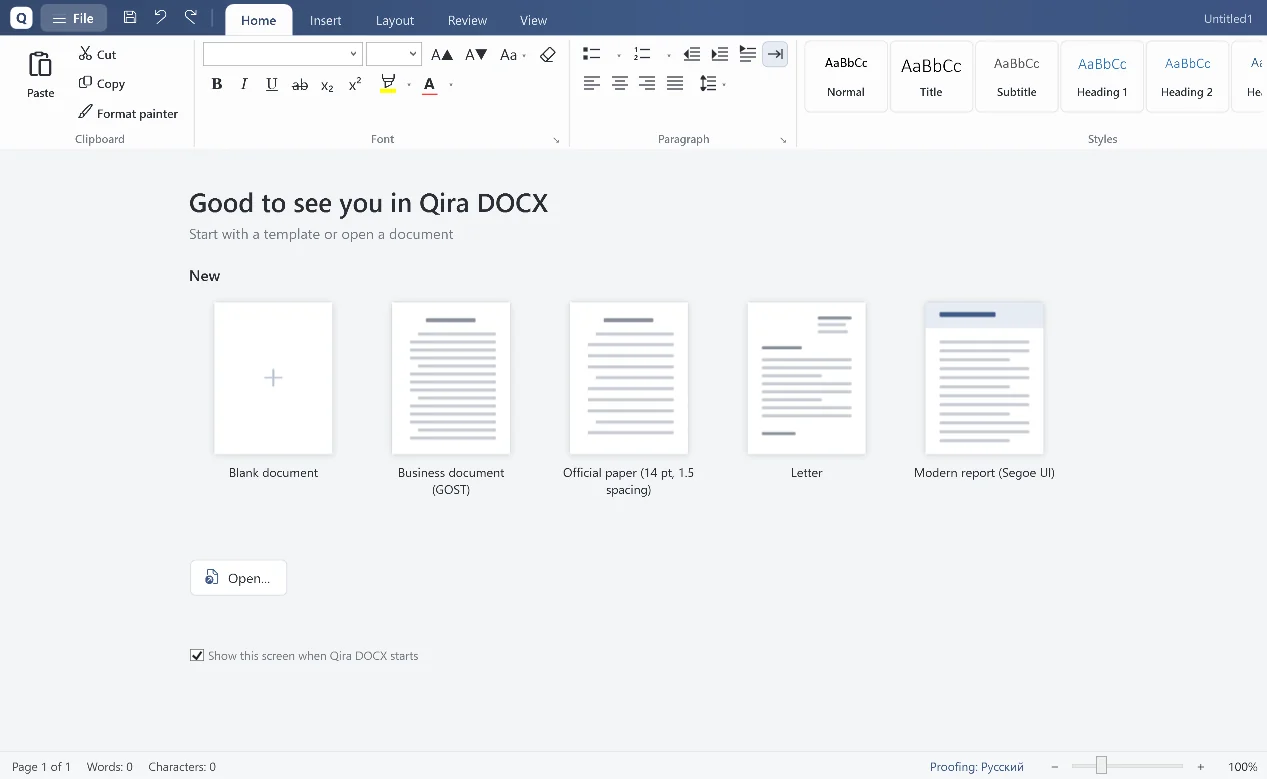
A clean, familiar workspace
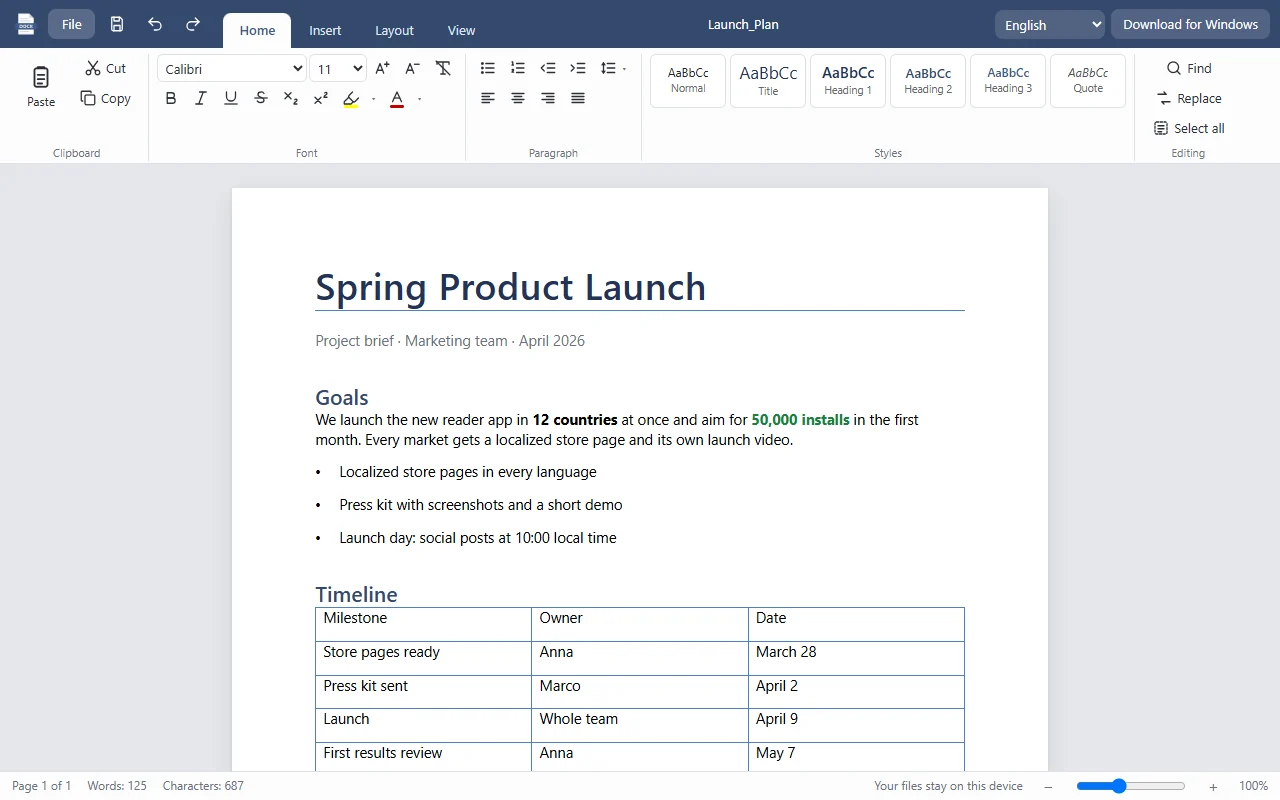
Edit DOCX online — right in your browser
No time to install? The online editor opens .docx files directly in your browser and saves them back as .docx. Your file is processed on your device and is never uploaded to a server.
- Open .docx, .txt, .html and Markdown files
- Format text, add tables, pictures and links
- Save as .docx, PDF, HTML or plain text
- Your draft is kept in your browser if you close the tab
Windows app or online editor?
| Feature | Windows app | Online editor |
|---|---|---|
| Open and save .docx | ✓ | ✓ |
| Old .doc files | ✓ | — |
| Exact page layout, headers and footers | ✓ | — |
| Track changes and comments | ✓ | — |
| Export to PDF | ✓ | ✓ (via print) |
| Works without internet | ✓ | — |
| No installation | — | ✓ |
How to open a DOCX file without Microsoft Word
- Download Qira DOCX for Windows and run the installer.
- Right-click your .docx file and choose Open with → Qira DOCX, or drag it into the window.
- Edit, then save as .docx or export to PDF. On a phone or someone else's computer, use the online editor instead.
Frequently asked questions
Is Qira DOCX really free?
Yes. The Windows app and the online editor are free, with no ads, trials or sign-up.
Can I open .docx files without Microsoft Word?
Yes. Qira DOCX reads and writes the open Office Open XML format (.docx) on its own, so you do not need Word or Microsoft 365.
Does it open old .doc files?
The Windows app opens Word 97–2003 .doc files and saves them as .docx. The online editor works with .docx files.
Are my documents uploaded anywhere?
No. The Windows app works offline, and the online editor processes files inside your browser. Nothing is sent to our servers.
Windows says the app is from an unknown publisher. Is it safe?
The installer is new, so Windows SmartScreen may not recognise it yet. Click “More info”, then “Run anyway”. You can check the file with the SHA-256 checksum below.
Is Qira DOCX affiliated with Microsoft?
No. Qira DOCX is an independent app by Qira Studio. Microsoft Word is a trademark of Microsoft Corporation.
Download Qira DOCX
Download the installerSHA-256: b21aad80137351a3a35bd40a871188b5769bc9d45ac8b973f5b217cccbb66b6f